Reports and Troubleshooting
What a Run Command step shows in the test report, habits that keep Run Command steps reliable, and what to do about common errors.
What you'll see in the report
Run Command shows up in the test report as its own action.
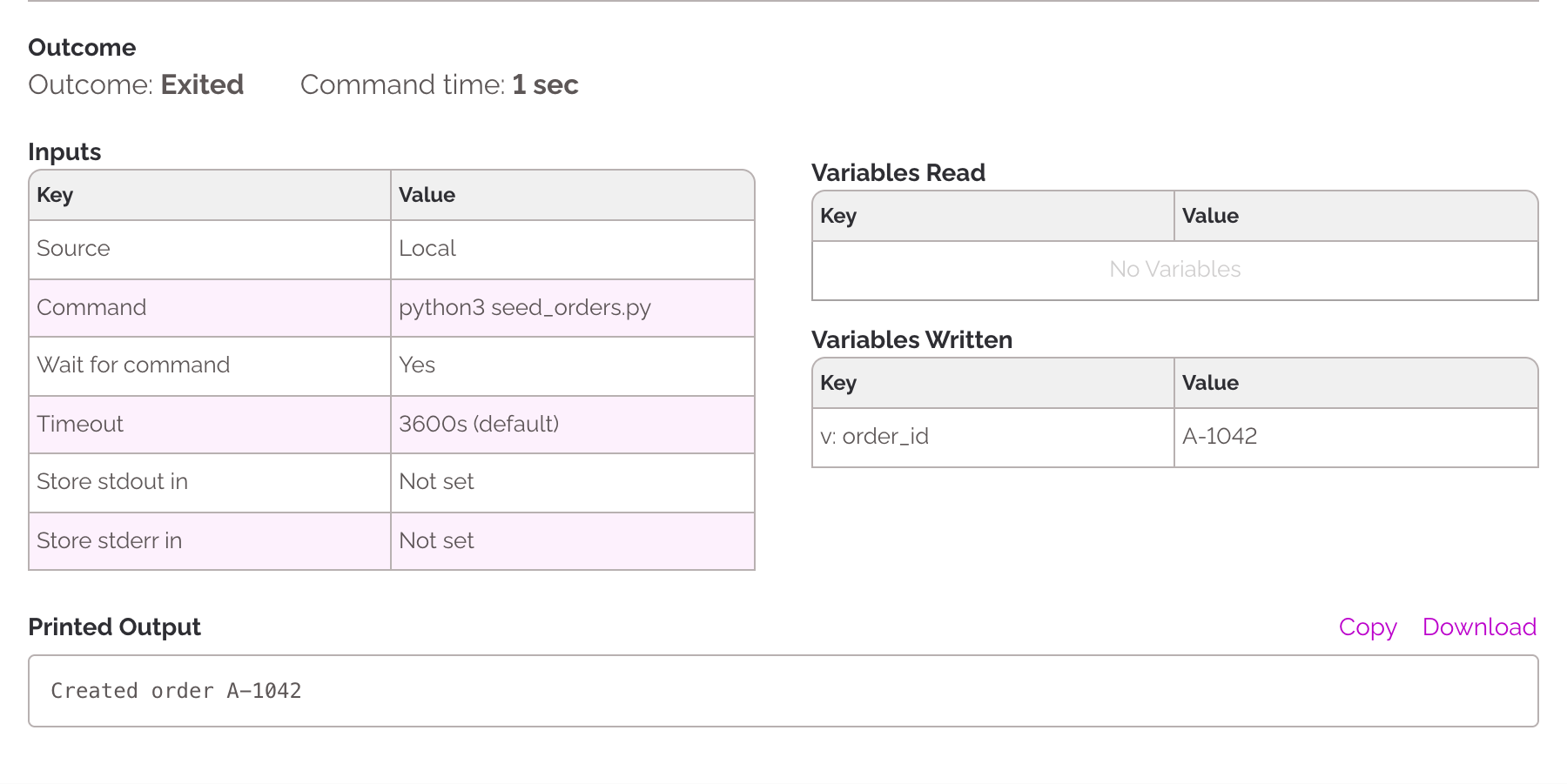
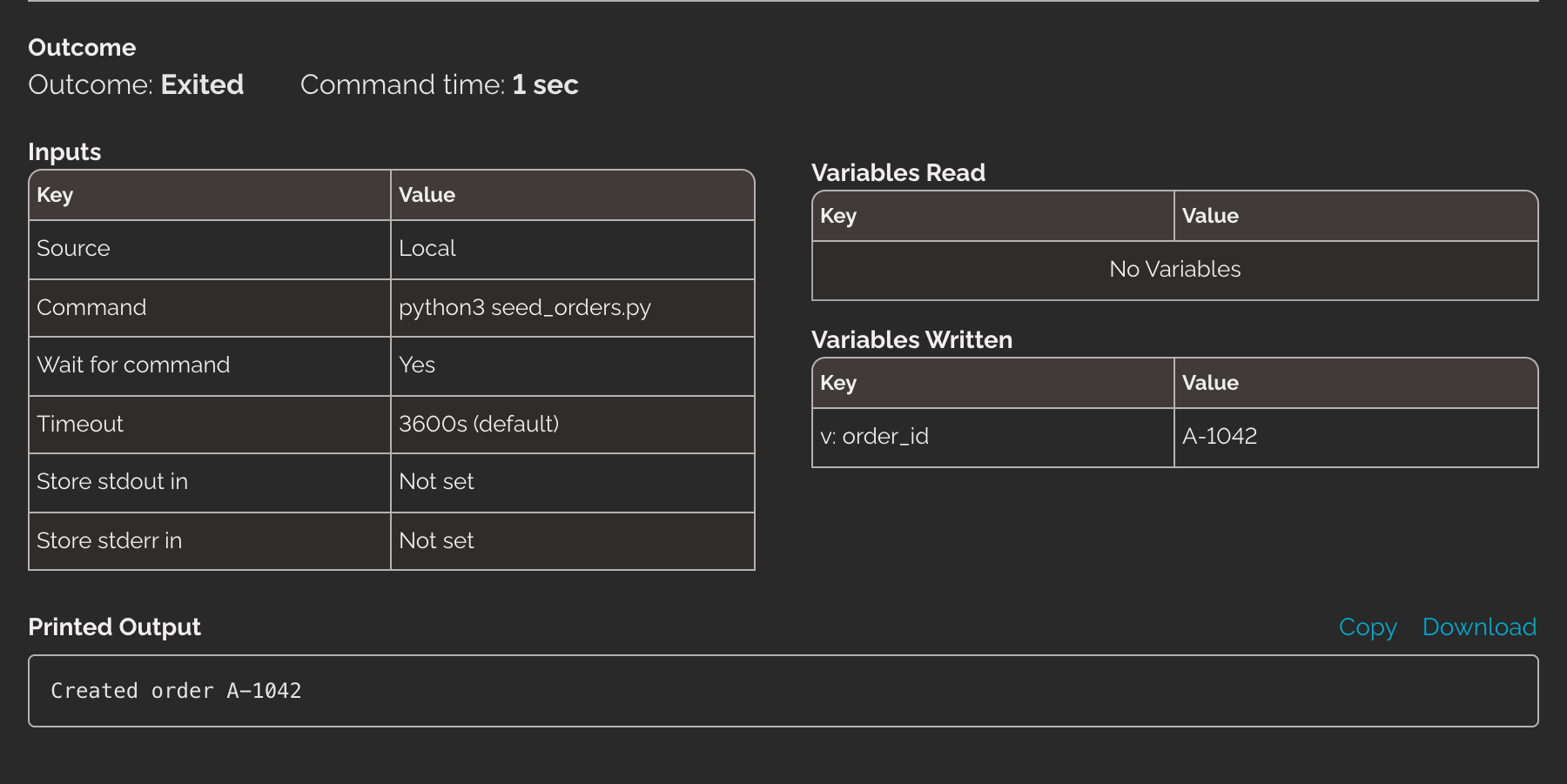
Inputs lists the step's settings: the Source (Local or Git repository), the integration, repository and ref for a repository ("Default branch" if none was set), the command and its arguments, whether the test waited for it, the timeout, and where stdout and stderr were stored ("Not set" if nowhere).
Outputs shows:
- Outcome - how the command ended:
| Outcome | Meaning |
|---|---|
| Exited | The command finished by itself. If it failed, the last line it printed to standard error is shown as the Error. |
| Timed out | The command was still running when its timeout ran out, so it was stopped. |
| Stopped before it finished | UMAI stopped the command - e.g. the test was stopped, or the script broke one of the limits. |
| Cancelled | A background command that was still running when the test failed, so UMAI stopped it. |
| Crashed | The command died unexpectedly (e.g. it was killed from outside UMAI). |
| Outcome unknown | UMAI never saw the command end. |
- Command time - how long the command ran for.
- Printed output - everything the command printed, standard output then standard error. Use Copy or Download to take it away. Up to 16 MiB of each is kept; anything after that is cut off with a note saying how much was dropped.
- Variables Read and Variables Written - every variable the script read or wrote, and the value.
A failed step also shows an error box with a code and a message, e.g. "The command failed with exit code 3".
A background command's outputs are filled in once it finishes, at the latest when the test ends.
Wait for command output shows its own outcome:
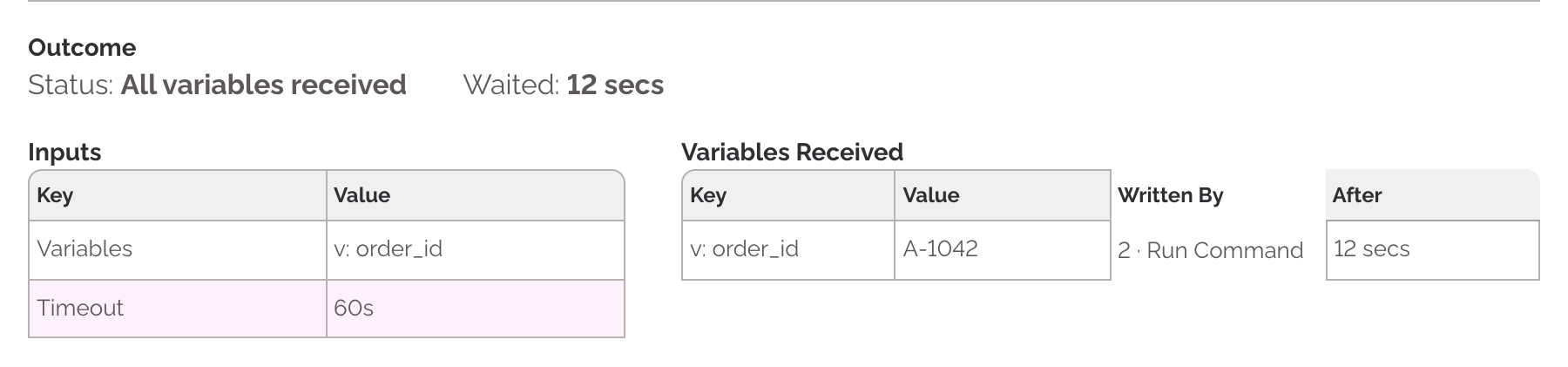
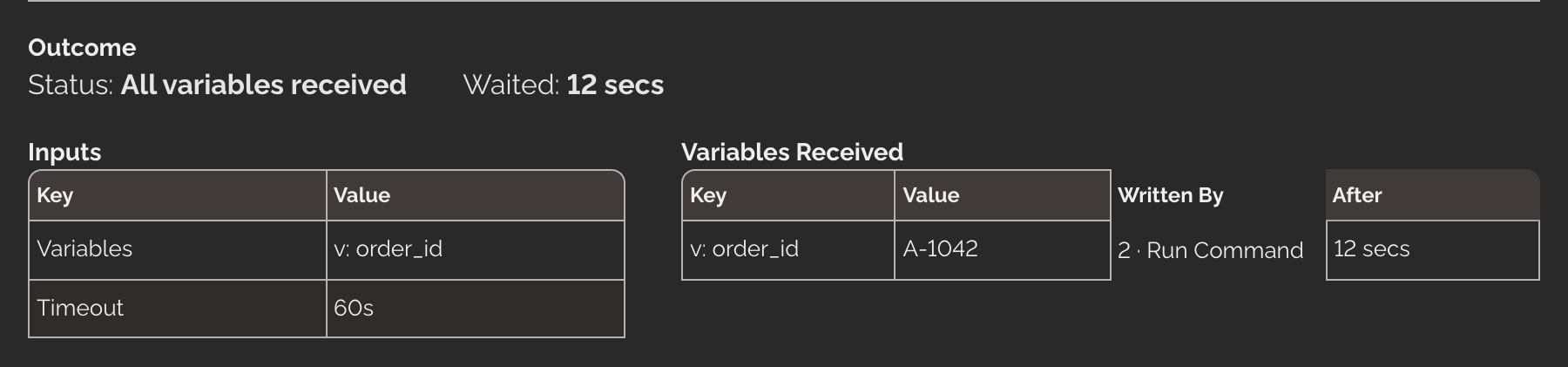
- Status - All variables received, or how many were received when it gave up, e.g. Timed out: 1 of 2 received.
- Waited - how long the step waited.
- Variables received - each variable's value, which step's command wrote it, and how long after the wait started. A variable written before the wait started shows
0s.
Best practices
- Put the logic in a script. A one-line command is fine, but anything with pipes, loops or conditions is easier to read, test and fix as a script.
- Make scripts exit with the right code. Exit
0when it worked and anything else when it didn't - that's how UMAI decides if the step passed. - Set a sensible timeout. The default is a full hour. If your script normally takes 20 seconds, a 60-second timeout means a stuck script fails fast instead of holding up the test.
- Always name the variable source in
get_variable/set_variable. - Pass values with arguments, not by editing the command. Put variables in Command line arguments rather than building the command text yourself.
- Write values to variables with
set_variablewhen a later step needs them, rather than reading them out of the printed output. - Add a Wait for command output step before any step that needs a value from a background command.
- Make background commands finish once their work is done. The test, and its place in a parallel suite run, is held until they do.
- Pin a Ref for repository scripts you depend on, so a change on the default branch doesn't change your test without you knowing.
- Don't print secrets. Everything the command prints goes into the report.
Troubleshooting
Choose an integration for the command, or run it locally.
The step's Run from is set to Integration but no integration has been chosen. Choose one, or switch Run from to Local.
No such file or directory: 'node'
The engine couldn't find the program. Use its full path in the command. On macOS and Linux, if you've just installed it, restart the engine.
The token of integration 'X' could not be fetched; the integration may have been deleted.
Check the integration still exists under Account > Integrations. If it does, edit it and enter the token again.
The repository could not be cloned
Check the integration's repository URL and that the token has read access to it. If you set a Ref, check the branch, tag or commit exists.
The command was still running after N seconds and was stopped.
The command took longer than its Timeout. Increase the timeout, or check the output to see where it got stuck - a command waiting for keyboard input will always end up here.
The command failed with exit code N
The command ran but reported a failure. Check Printed output in the report for the reason.
No command still running can write 'X'
A Wait for command output step was waiting for a variable no background command wrote. Check the script calls set_variable for it with the right name and source, and that the Run Command step before it has Wait for command to finish off.
Pipes, redirects or $VARIABLES don't work
Commands aren't run through a shell - see How your command is run.
The script can't find umai_script
Make sure the helper file is saved next to your script: in the run_command folder for a local command, or committed to the repository.